
In this article I will talk about my first experience fetching data from an api.
For the input master app on my pharmacy education site which is built with node/express and MongoDb I needed a bunch of random names for fake patients. I could’ve just made up a bunch of names myself but I decided to use this as a learning experience. I thought someone out there must have made a tool to solve this problem of needing random names. And I was right. I found https://en.namefake.com/api.
So namefake is an api for generating random person profiles. What I mean by that is that it doesn’t just give you a name but various randomly generated data points for a person, including but not limited to height, weight, location and even a blood type. It gives you this data in JSON format. It’s an open and free api so it doesn’t require a key.
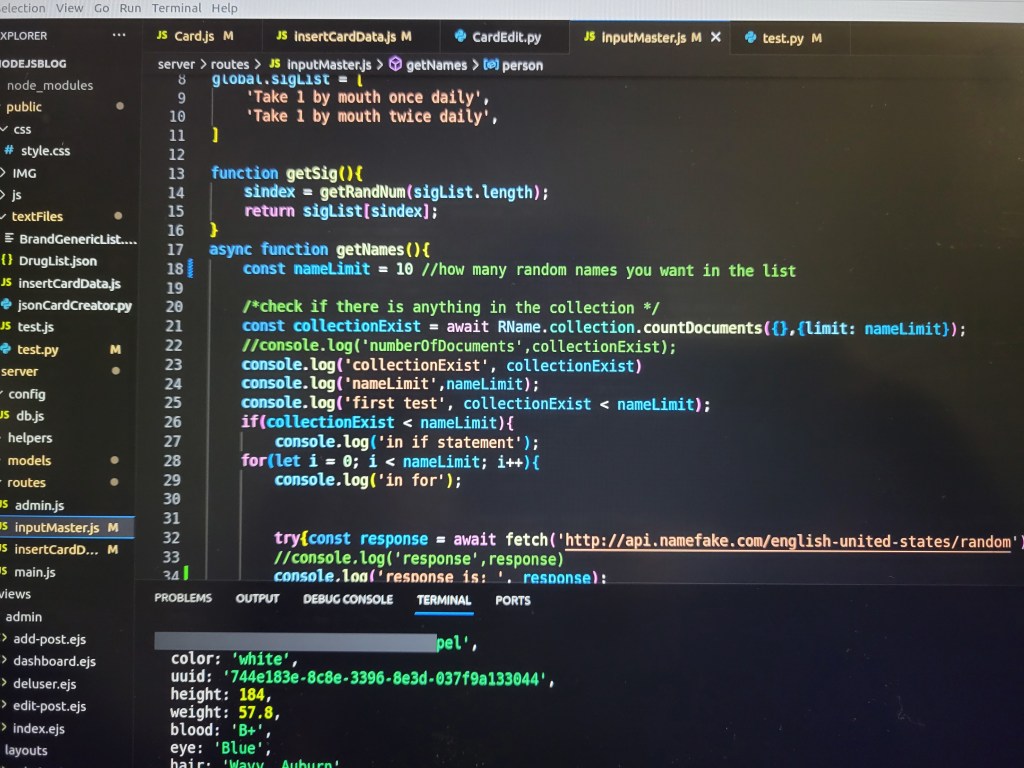
To fetch the data I used the javascript fetch() api, which I used in an async function. The code to do this is:
const response = await fetch(‘http://api.namefake.com/english-united-states/random’);
This doesn’t actually give you what you need though. This will just give you a promise. So next I did the following:
const response2 = await response.json();
Which gives you a json object. Now we have something that you can actually work with. So now I want to get the name. How do I do that? Well there are two ways that you can approach this problem. You could look at the website to see if there is any documentation about how to use their API, or you could console log the object.
Now looking at the website you can see that they give you an example response. In the example you’ll see that they have “name”: “Rhea Mclauglin”. So now to get the name all I have to do is:
const name = response2[‘name’]
Let’s take it a step further and get the birthday. Looking at the example response you’ll see that they have “birth_data”: “1961-10-28”. So next I wrote:
const birthday = new Date(response2[‘birth_data’])
Next I wanted to add this information to my database to create a list of fake patients so that I wouldn’t have to call the API every time. Another reason I did this is because during my experiments I noticed that it would sometimes crash during the fetch. It would also be good in the future to learn how to catch errors when fetching.
So I created a person object like so:
const person = {
‘name’ : name,
‘birthday’ : birthday
}
I then added that person to my database with:
await RName.create(person)
How I then use those patients I will talk about in a future post.
 Code in the rough